Tag: SAS Visual Analytics

Programming Tips
Nancy Rausch 0
A tip for moving SAS Visual Analytics reports in SAS Viya 4 between SAS Viya environments

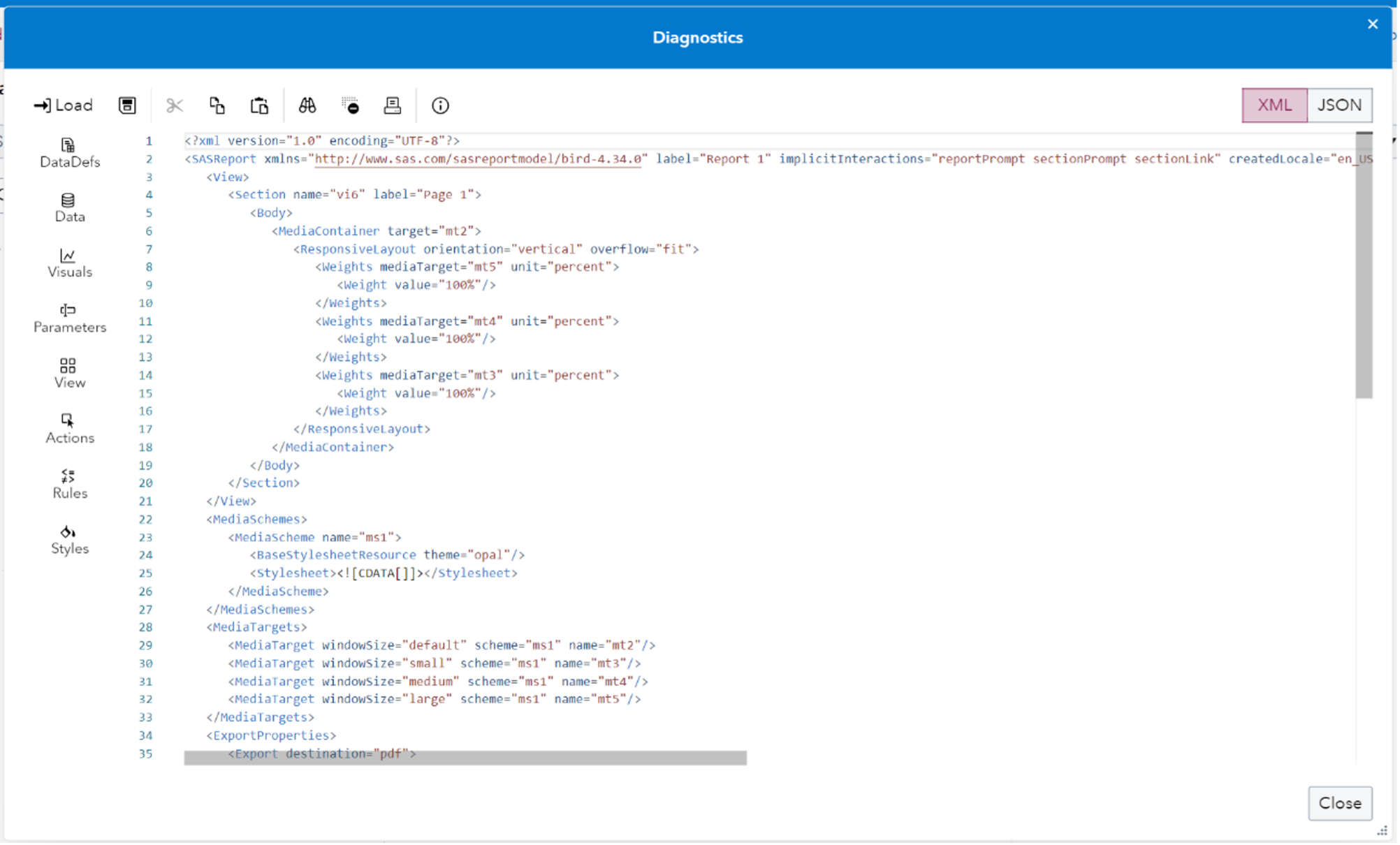
In SAS Viya 4 you can create Reports in SAS Visual Analytics that you may want to move around between machines. What if you want copy a report for example from a development environment folder to a production environment folder? You may want to work on the report in one system before putting it onto a final system and making it generally available. Or you may want to have a backup copy saved for recovery purposes. This blog post provides an updated description of how to easily save off SAS Visual Analytics report content to a file and easily move it between machines.

Analytics | Programming Tips
Jongman Jeong 0
파라미터(Parameter)란 무엇인가? – 시리즈 ①

SAS Visual Anaytics(이하, VA)를 사용할 때, 리포트의 형태를 고정하고 변수만 변경하면서 그래프 및 값들이 바뀌는 결과를 확인할 수 있으면 더 효율적이지 않을까 생각해 본 적이 있으신가요? VA에서 파라미터를 활용하면 가능합니다. 파라미터의 활용법을 다루기 전에 전반적인 이해를 돕고자 파라미터가 무엇인지, 어떻게 사용하는 것인지 등에 대한 내용을 먼저 살펴보고자 합니다. 이번 블로그

1 4 5 6 7 8 98