SAS Users
Providing technical tips and support information, written for and by SAS users.
The new customer experience is here

SAS SVP Kimberly May announces the launch of the new SAS Customer Service Portal.
Python Integration to SAS® Viya® - Part 20 - Remove Duplicate Rows

Welcome to the continuation of my series Getting Started with Python Integration to SAS Viya. In this post I'll discuss how to remove duplicate rows from a distributed CAS table using the both the Pandas API in the SWAT package and the native CAS action. The Pandas API drop_duplicates method was
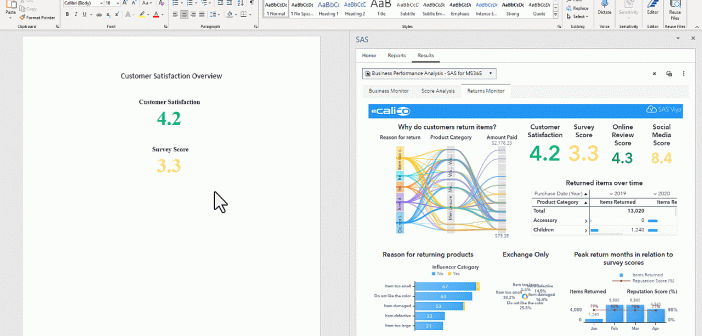
Using Word with SAS for Microsoft 365 as a Marketing Maven

SAS integration with Microsoft Word empowers you to streamline your company’s data analysis, enhance reporting capabilities, and unlock valuable marketing insights, all with the power of SAS Viya.