This article is the first in a series of three publications covering REST APIs and their use in, and with SAS. Today, I want to cover a basic example using SAS Viya REST APIs to download an image from a report in SAS Visual Analytics.
Self-service BI applications make gaining insights and decision making faster. But they've also generated a greater need for governance, including understanding the data lifecycle. You can find out where your data comes from with SAS Lineage Viewer. The post tells you how.
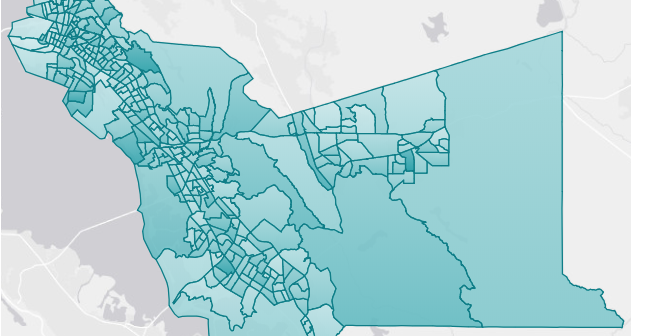
Do you work with custom polygon maps in SAS Visual Analytics? Read about a few "gotchas" to help you troubleshoot some common issues you may encounter.
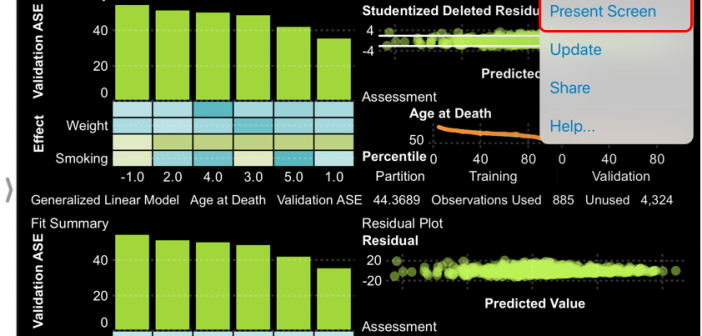
Demo SAS Visual Analytics live on your mobile device to your team across the world. Read this post for the details.
If you use SAS Visual Analytics and don’t have the SAS Visual Analytics app, you're missing out on a ton of convenience and interaction you could be having while on-the-go. This post outlines the app highlights.
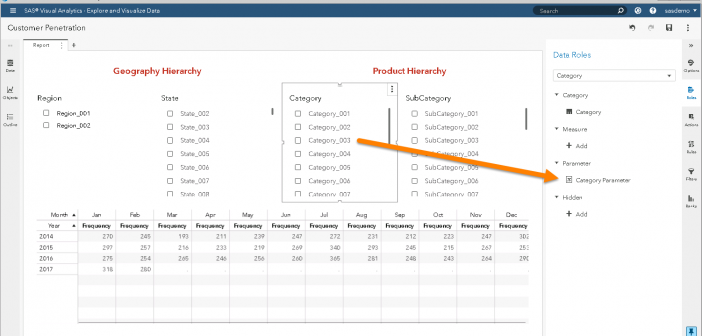
Learn how to create measures with different levels of aggregation through selective filtering in SAS Visual Analytics. This post illustrates selective filtering through a "Customer Penetration" example.
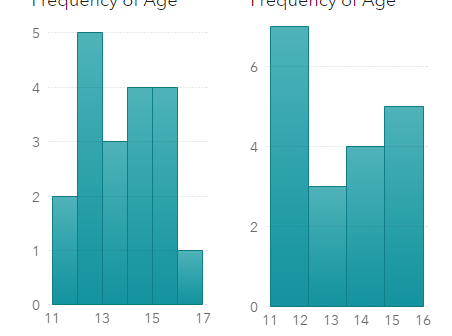
Visualization of data density estimation, which is often used in statistical analysis and machine learning, will show the data’s characteristics like distribution, skewness and modality, etc. Commonly-used data density visualizations include boxplot, histogram, kernel density estimates, and some other plots. This blog post visualizes the kernel density estimates superimposing on histogram using SAS Visual Analytics.
In SAS Viya 3.4, promotion support has been added for many additional SAS 9.4 resources, making it easier to make the leap to Viya. In this blog, SAS' Gerry Nelson reviews this new functionality.
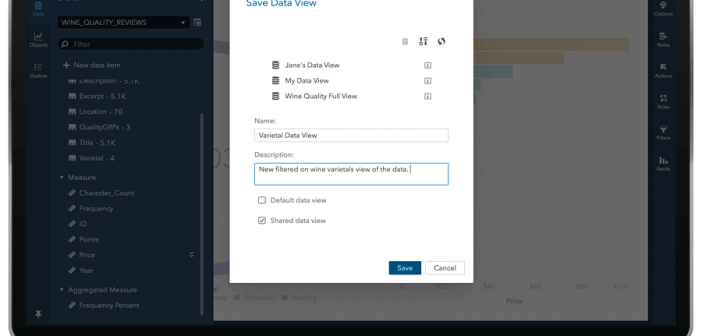
In SAS Visual Analytics 8.3, a Data View is a reusable and shareable template for a data source. That means that the data view is tied to the data source, and not to the report. Here's how to use them.
Introduced with Visual Analytics 8.2 is a new object named: Key Value. The intent of this object is call attention to an aggregated value for a measure, a category, or both. In this post you'll learn more about working with the Key Value Object in SAS Visual Analytics.