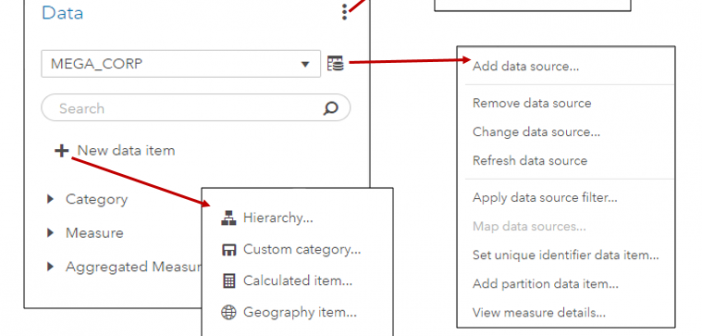
In SAS Visual Analytics 8.2 on Viya 3.3, there are a number of new data features available. I’ll cover a few of these new features including the new data plan and data item features in SAS Visual Analytics in this blog.
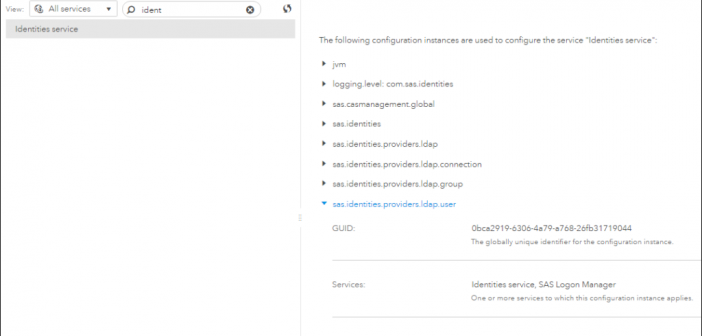
Often, in addition to content, an administrator will want to save configuration so that it can be reloaded or updated and applied to a different system. You have the ability to save and reload SAS Viya configuration using command-line interfaces. Learn more in this post.
SAS Visual Analytics takes advantage of the performance and scalability of the SAS Viya platform, providing a BI framework that can work with massive amounts of data, bringing forward the powerful analytics that has made SAS the market leader in this space. Learn more about SAS Visual Analytics on the new SAS platform.
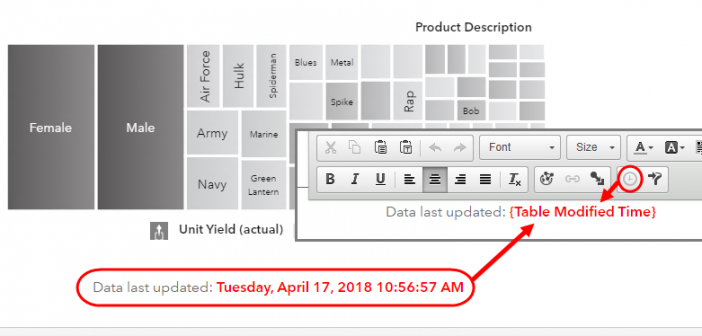
You will not find an object in SAS Visual Analytics named Dynamic Text. Instead, you will find a Text object that allows you to insert dynamically driven data items. By using the Text object’s dynamic capabilities you can build custom report titles, object titles, emphasize measures and even supply the last modified time of the data source in your SAS Visual Analytics Report. In this post, I will outline the ways how you can leverage Dynamic Text in a SAS Visual Analytics Report.
The European Union’s General Data Protection Regulation (GDPR) taking effect on 25 May 2018 pertains not only to organizations located within the EU; it applies to all companies processing and holding the personal data of data subjects residing in the European Union, regardless of the company’s location. Here are four selected SAS tools for GDPR that allow you to protect personal data in SAS reports by suppressing counts in small demographic group reports.
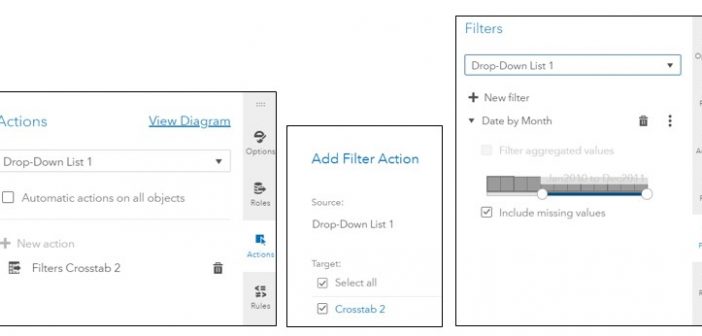
SAS Visual Analytics filters in 7.4 and 8.2 enable you to improve the appearance of reports based on calculations that use periodic operators. Parameter settings also enable you to provide users with a prompt for choosing the data to display in a report, without having any effect on the calculations themselves.
Gradient boosting is one of the most widely used machine learning models in practice. See how to use gradient boosting model for classification in SAS Visual Data Mining and Machine Learning.
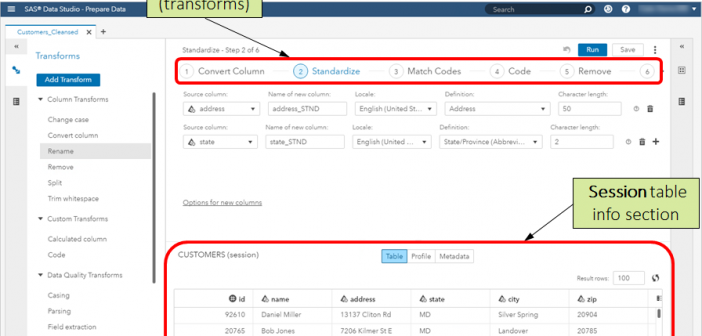
SAS Data Studio is a new application in SAS Viya 3.3 that provides a mechanism for performing simple, self-service data preparation tasks to prepare data for use in SAS Visual Analytics or other applications. It is accessed via the Prepare Data menu item or tile on SAS Home. Note: A
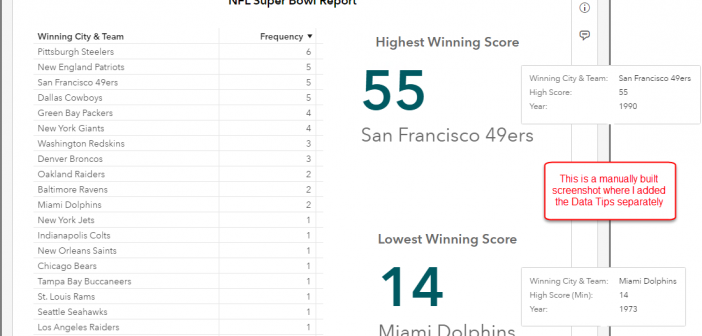
SAS Visual Analytics 8.2 introduces the Hidden Data Role. This role can accept one or more category or date data items which will be included in the query results but will not be displayed with the object. You can use this Hidden Data Role in: Mapping Data Sources. Color-Mapped Display
Report data shared by educational institutions, government agencies, healthcare organizations, and human resource departments can contain sensitive or confidential data. Data in such reports are suppressed selectively to protect the identities of individuals or to prevent the report’s audience from easily inferring individual values. The Data Suppression feature in SAS