SAS Users
Providing technical tips and support information, written for and by SAS users.
Getting Started with Python Integration to SAS® Viya® - Part 9 - Summarize Columns

Welcome to the continuation of my series Getting Started with Python Integration to SAS Viya. In previous posts, I discussed how to connect to the CAS server, how to execute CAS actions, and how to filter CAS tables. Now it's time to focus on how to summarize columns. Load and explore data Let's first load
SAS Viya Workload Orchestrator CLI Plug-in

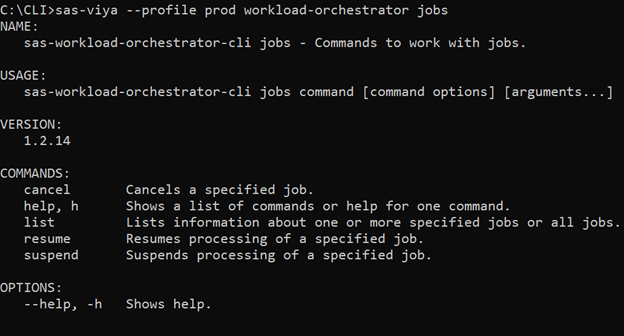
A key tool for SAS Viya admins and many users is the command line interface (CLI). You can think of it in terms of other CLIs, but with direct access to SAS Viya. The CLI facilitates automation of tasks as well as other administrative functions. You can find information about
The ADDROWID data set option maintains the order of your data when executing a DATA step in SAS® Cloud Analytic Services (CAS)

SAS' Kevin Russell compares how you order your data with a BY statement in SAS 9.4 versus in CAS using the ADDROWID data set option in SAS Viya.