SAS Users
Providing technical tips and support information, written for and by SAS users.

I started out as a Psychology major. During my third year as an undergraduate, I was hired on as a research assistant for my advisor in her cognitive psychology lab. Through this and progressively more complicated psychological research experience, I quickly grew to love statistics. By the end of that


If you use SAS® software to create a report that contains multiple graphs, you know that each graph appears on a separate page by default. But now you want to really impress your audience by putting multiple graphs on a page. Keep reading because this blog post describes how to
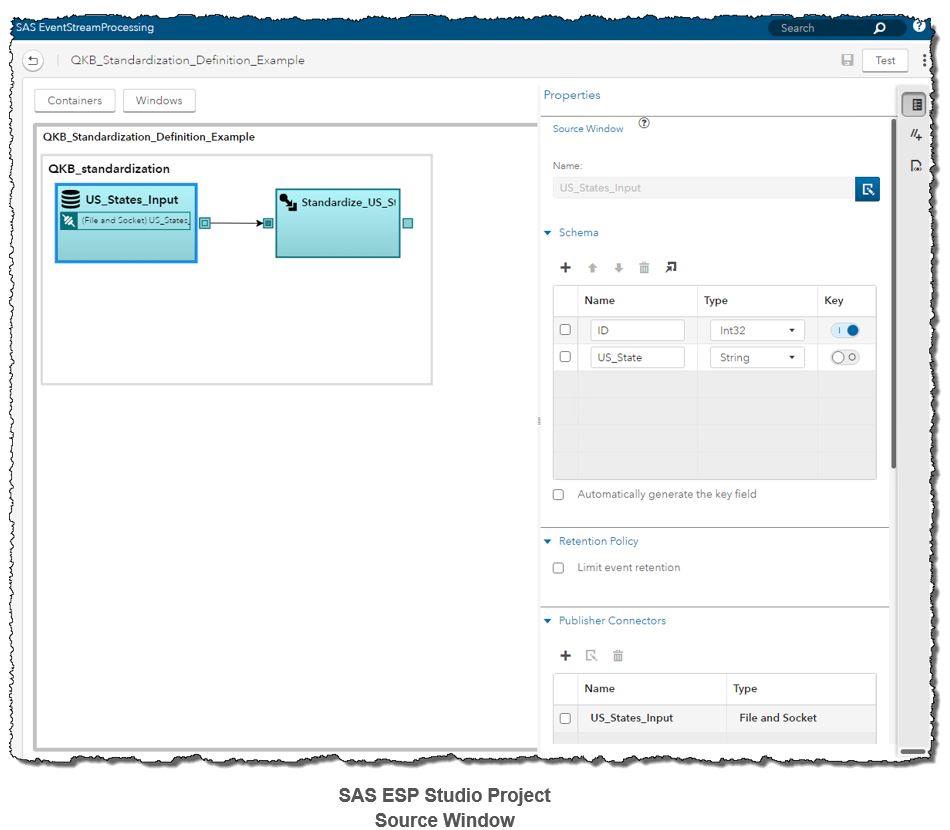

The SAS Quality Knowledge Base (QKB) is a collection of files which store data and logic that define data cleansing operations such as parsing, standardization, and generating match codes to facilitate fuzzy matching. Various SAS software products reference the QKB when performing data quality operations on your data. One of