The SAS Dummy
A SAS® blog for the rest of us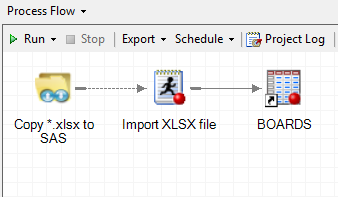

I've supplied dozens of custom tasks for SAS Enterprise Guide, but the Copy Files task is easily the most popular. The Copy Files task allows you to capture "file transfer" steps inside your process flow, so that you can automate any file upload and download operations between your PC and
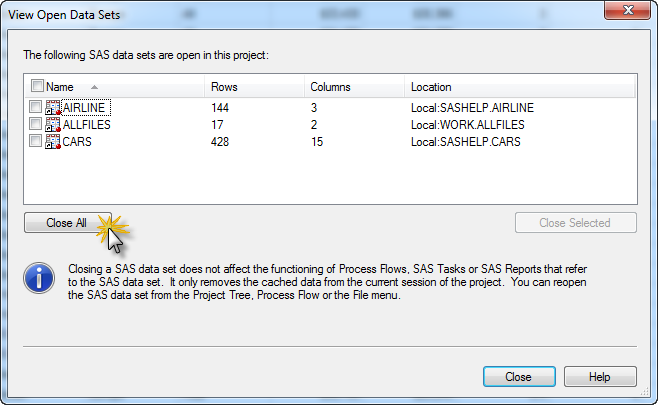
Have you seen this error when running a program in SAS Enterprise Guide? ERROR: You cannot open WORK.YOURDATA.DATA for output access with member-level control because WORK.YOURDATA.DATA is in use by you in resource environment IOM ROOT COMP ENV. Or maybe: ERROR: A lock is not available for LIB.YOURDATA.DATA. NOTE: The
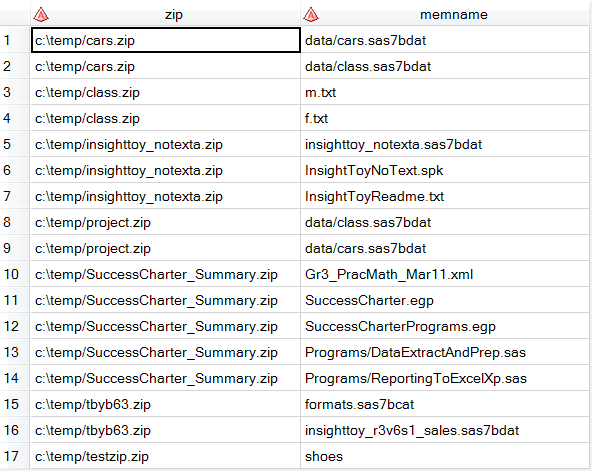
SAS programmers often resort to using the X command to list the contents of file directories and to process the contents of ZIP files. In centralized SAS environments, the X command is unavailable to most programmers. NOXCMD is the default setting for these environments (disallowing shell commands), and SAS admins