The SAS Dummy
A SAS® blog for the rest of us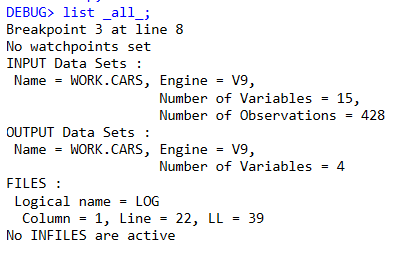

In my earlier post about WHERE and IF statements, I announced that the DATA step debugger has finally arrived in SAS Enterprise Guide. (I admit that I might have buried the lead in that post.) Let's use this post to talk about the new debugger and how it works. First,
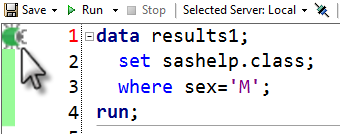
In the DATA step, the WHERE statement and the IF statement (a.k.a. the "subsetting IF") have similar functions. In many scenarios, they produce identical results. But new SAS programmers are taught early on that these two statements work very differently, and in important ways. To understand the differences, it helps
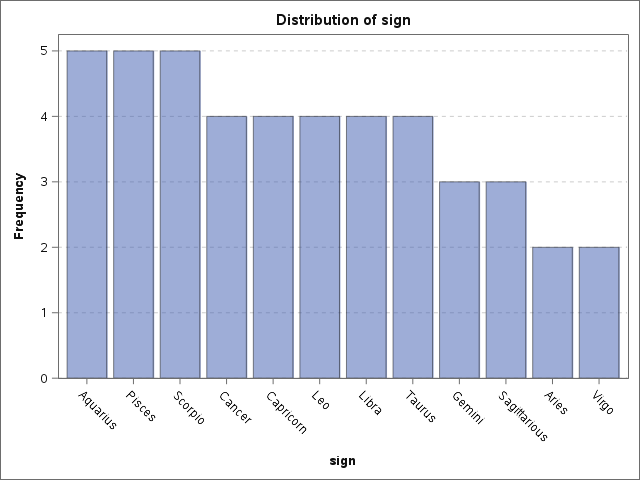
Rick Wicklin showed us how to visualize the ages of US Presidents at the time of their inaugurations. That's a pretty relevant thing to do, as the age of the incoming president can indirectly influence aspects of the president's term, thanks to health and generational factors. As part of his