Engage is a strategic automation framework that enables SAS to deliver cloud services with speed, precision and scalability. Whether supporting custom enterprise deployments or standardized offerings, Engage helps us deliver value faster and more reliably to our hosted customers.
Tag: SAS Administrators
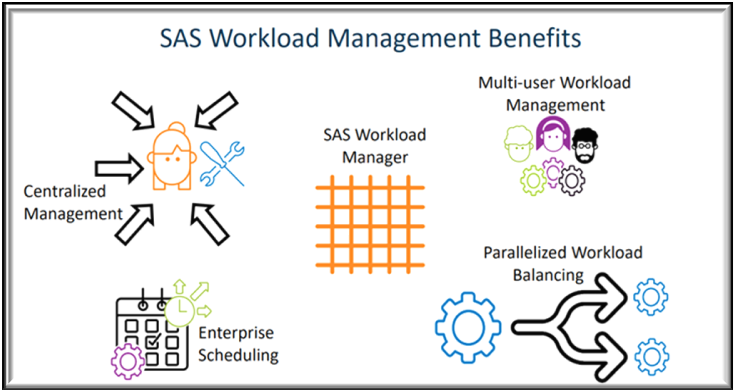
Managing workloads in modern analytics environments is not keeping systems running, it’s about making sure the right jobs get the right resources at the right time. As organizations move analytics to the cloud, powered by Kubernetes, balancing workloads across computer resources becomes a critical challenge.
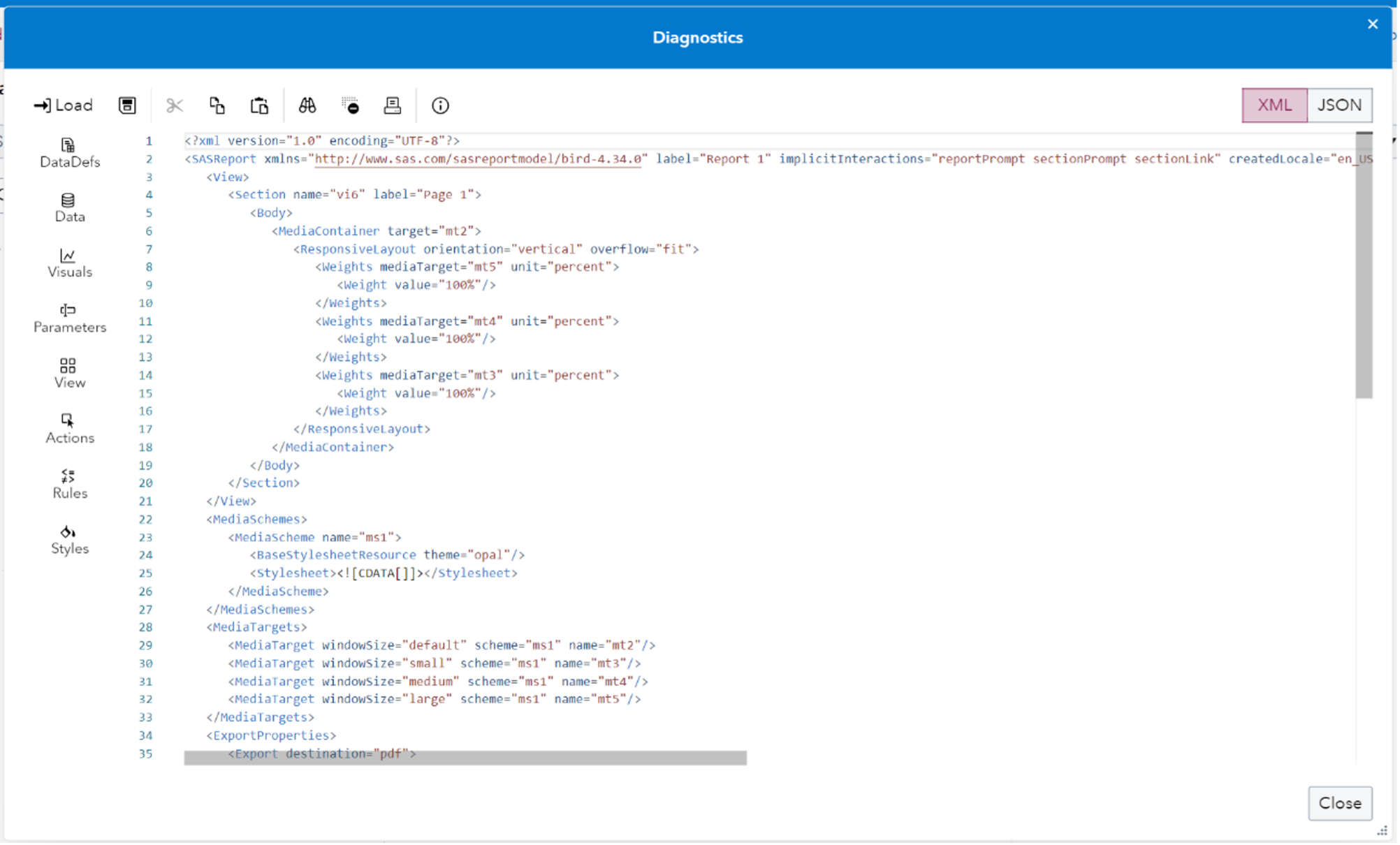
In SAS Viya 4 you can create Reports in SAS Visual Analytics that you may want to move around between machines. What if you want copy a report for example from a development environment folder to a production environment folder? You may want to work on the report in one system before putting it onto a final system and making it generally available. Or you may want to have a backup copy saved for recovery purposes. This blog post provides an updated description of how to easily save off SAS Visual Analytics report content to a file and easily move it between machines.