Learn how SAS 9 customers can modernize to SAS Viya incrementally, leveraging AI assistance, agentic AI, open-source collaboration, and scalable cloud deployment while preserving existing SAS investments and governance.
The best AI assistance meets you where you are. A chat window opens. A question surfaces. An answer comes back before momentum fades. That conversational experience is powerful precisely because it keeps insight close to the work. But there's a version of assistance that goes even further – one that
Most analytical journeys start the same way – with a question. When did we have the highest profit? Which customers are driving growth? What segment should we look at next? In traditional analytic workflows, turning those questions into answers often requires navigating menus, configuring visuals, writing calculations and interpreting results
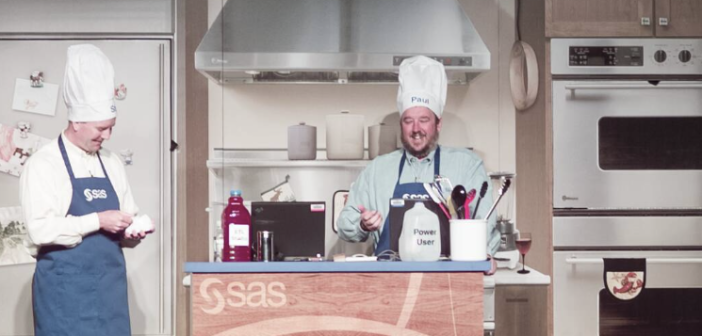
SAS Innovate 2026 features content and experiences especially for SAS user group presenters and SAS 9 users.
Since its inception, DuckDB has been commanding respect in the data management sphere, carving its place as a highly performant data processing system. At SAS, the rapid advancements DuckDB has made have gone far from unnoticed; that's why, in the 2025.07 release of SAS Viya, we introduced SAS/ACCESS Interface to
Engage is a strategic automation framework that enables SAS to deliver cloud services with speed, precision and scalability. Whether supporting custom enterprise deployments or standardized offerings, Engage helps us deliver value faster and more reliably to our hosted customers.
In SAS Viya 4, we can embed inputs directly on the reporting page with live results. These reports have code that takes user inputs and runs the program, which will run the dataset and update it with the most recent data. This gives the user the ability to create datasets
Learn how to create and visualize custom geographic regions in SAS Viya Visual Analytics, either by grouping existing map shapes or by uploading and configuring shapefiles to support regions with custom borders.
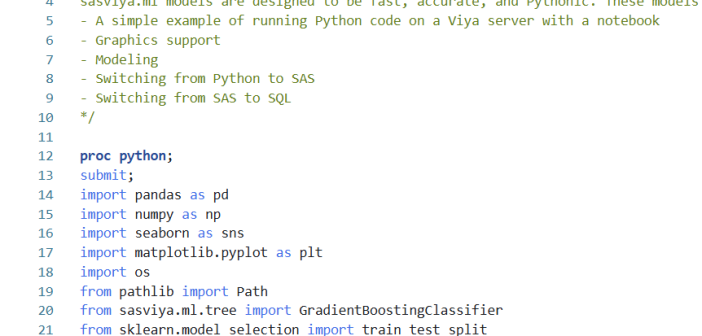
In my first article on hyperparameter autotuning, I used a cake analogy to show how to use hyperparameter autotuning with Optuna and the sasviya.ml package in Python to improve detecting Higgs bosons in a particle accelerator. SAS Viya Workbench now supports hyperparameter autotuning in SAS code with a variety of
Mapping in SAS Viya gives the user plenty of options for maps to use. Signing in to ESRI on SAS Viya gives us many more. But what if the map that is needed is not available and is technically not a map at all? Well, not to worry, as there is