Graphically Speaking
Data Visualization with a focus on SAS ODS Graphics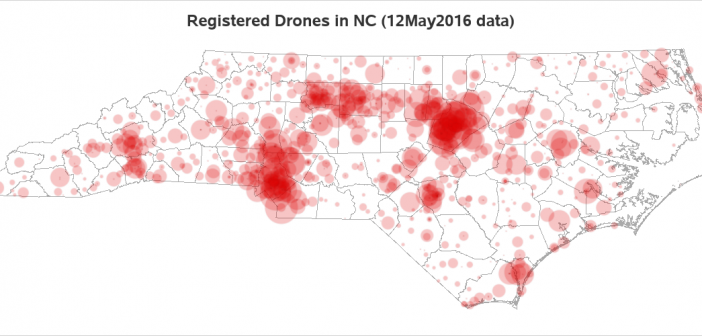

Flying drones was a new & exciting hobby, and very cool fad a few years ago. In recent years, the drone manufacturers have added some really nice features to make the drones easier to fly and more capable ... but the government also added some new rules that have curbed
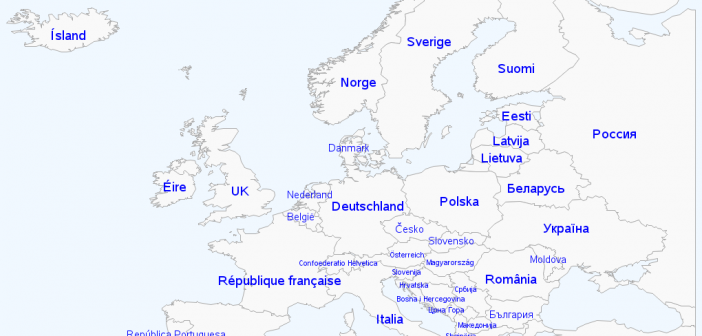
Have you ever had one of those moments when something you had assumed was true all your life, turned out not to be true? I remember that happening in my high school Spanish class (taught by the wonderful Señor Shoaf), when he let us in on a little secret -
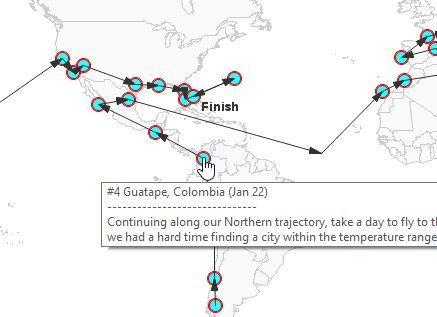
The guys over at reservations.com recently posted a really interesting idea, and a map to go along with it! They worked out an itinerary where you could spend one year traveling around the world (staying in a different place each week), and always be in a comfortable temperature around 70-75°