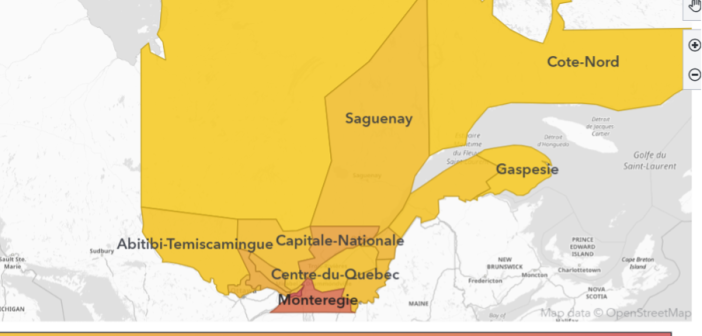
Learn how to create and visualize custom geographic regions in SAS Viya Visual Analytics, either by grouping existing map shapes or by uploading and configuring shapefiles to support regions with custom borders.
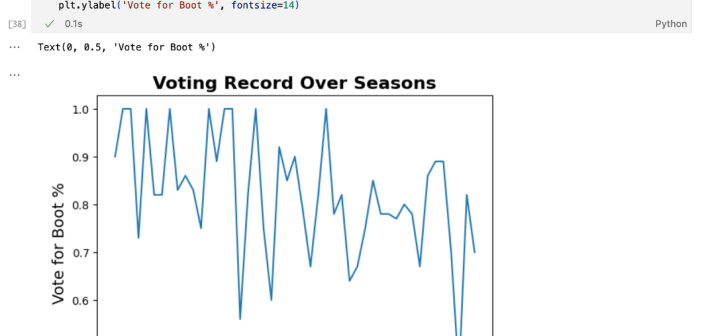

Using 47 seasons of Survivor data, this analysis explores what gameplay traits correlate with winning, applying Python and SAS Viya Workbench to build predictive models. While stats like challenge wins and voting accuracy help narrow down potential winners, the findings suggest that intangible social dynamics play the most decisive role.
Learn about how I used Python, SAS, GPS, and heart rate data to track and visualize my snowboarding performance.
SAS' Danny Sprukulis takes you step-by-step through geocoding incomplete geographic data sources for proper visualization and through its additional capabilities.
SAS' Danny Sprukulis walks through how he developed a model theme park to simulate attraction wait times for operational decision-making.
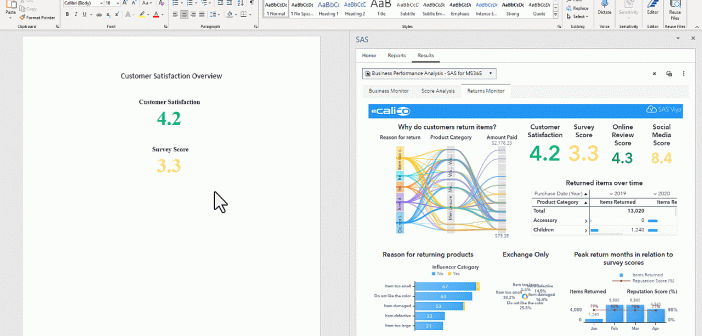
SAS integration with Microsoft Word empowers you to streamline your company’s data analysis, enhance reporting capabilities, and unlock valuable marketing insights, all with the power of SAS Viya.
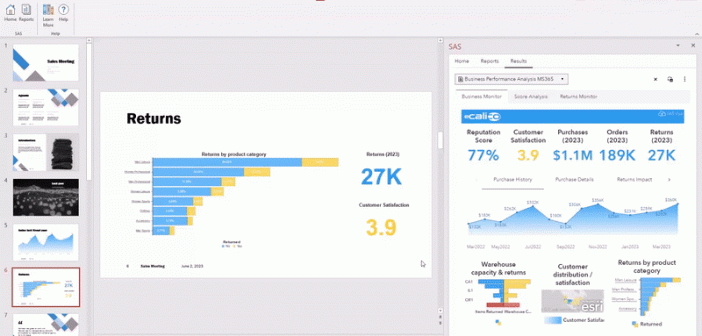
From within PowerPoint, you can use the SAS menu available through SAS for Microsoft 365, to access SAS Visual Analytics reports' graphical visuals.
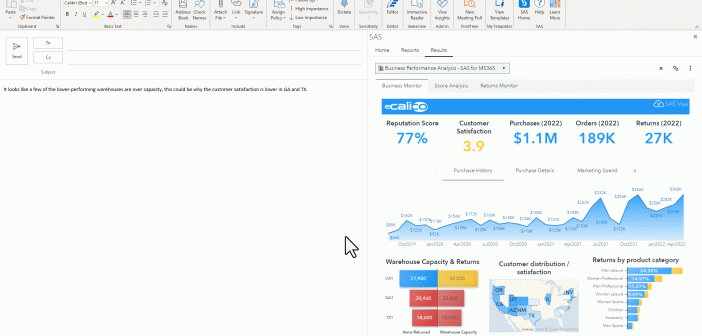
By simply logging into SAS Viya from Outlook, data visualizations can give you immediate information about key metrics and business performance through AI-powered explanations.
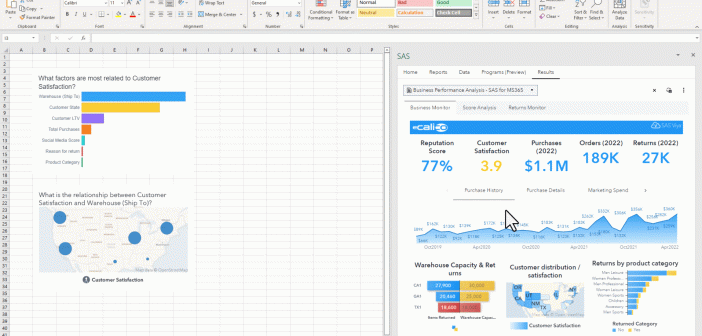
Using SAS for Microsoft 365, you can enhance your Excel spreadsheets with additional insights from SAS Viya via one seamless integrated experience.
The addition of the PYTHON procedure and Python editor in SAS Viya enables users to execute Python code in SAS Studio. This new capability in SAS Viya adds another tool to SAS's existing collection. With this addition I thought, how can I utilize this new found power? In this example,