Engage is a strategic automation framework that enables SAS to deliver cloud services with speed, precision and scalability. Whether supporting custom enterprise deployments or standardized offerings, Engage helps us deliver value faster and more reliably to our hosted customers.
Tag: SAS Administrators
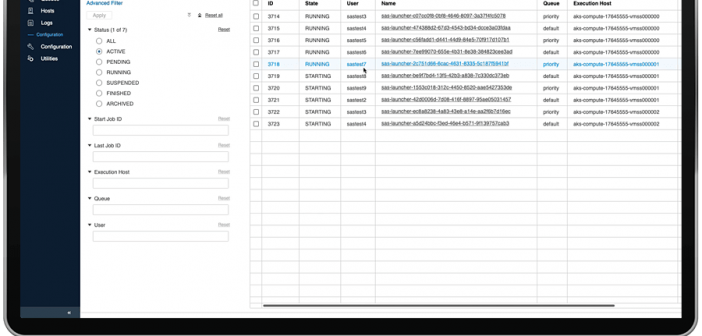
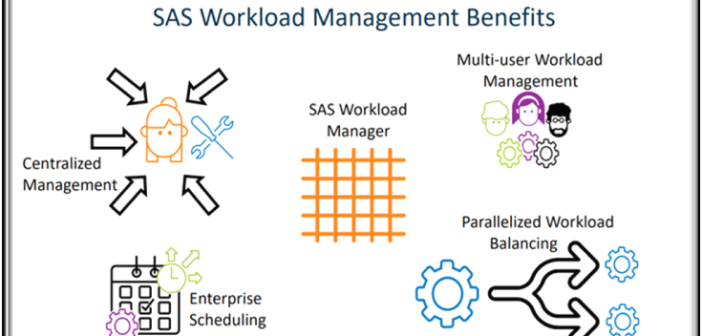
Managing workloads in modern analytics environments is not keeping systems running, it’s about making sure the right jobs get the right resources at the right time. As organizations move analytics to the cloud, powered by Kubernetes, balancing workloads across computer resources becomes a critical challenge.
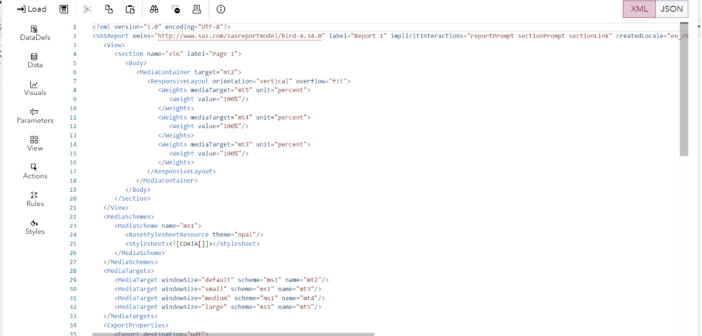
In SAS Viya 4 you can create Reports in SAS Visual Analytics that you may want to move around between machines. What if you want copy a report for example from a development environment folder to a production environment folder? You may want to work on the report in one system before putting it onto a final system and making it generally available. Or you may want to have a backup copy saved for recovery purposes. This blog post provides an updated description of how to easily save off SAS Visual Analytics report content to a file and easily move it between machines.
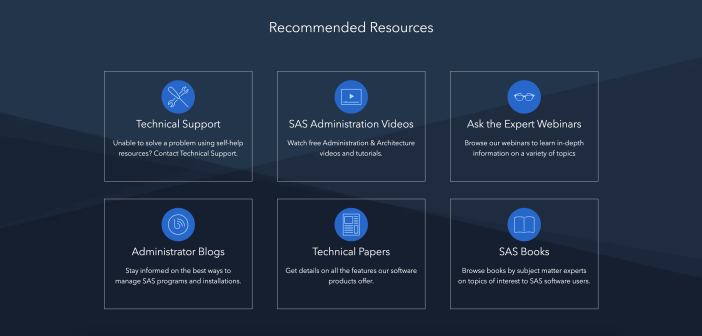
SAS has redesigned the support page made just for administrators to provide them with a seamless experience to install and maintain their SAS environment.
SAS expert Leonid Batkhan demonstrates how to automatically replicate/clone metadata users’ groups and roles from one user to another.
Thank you to my co-author Raymond Thomas for his assistance on this post. Learn more about the SAS Certified Specialist: Administration of SAS Viya and how to prepare. Certification overview SAS is pleased to announce a new SAS Viya Administration certification. Recognizing the growing need of cloud computing and Kubernetes,
Change is hard and can be a bit scary. We tend to resist change as we get comfortable with our routines and how things work. However, many times we fail to see the benefits of that something new. Imagine if we didn't move from MS DOS to Windows? If we'd
In this SAS administration tutorial Leonid Batkhan presents various SAS programming solutions on how to identify and prevent duplicate LIBREFs in SAS 9 metadata.
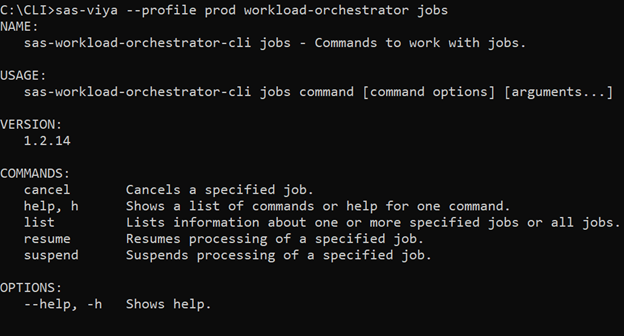
A key tool for SAS Viya admins and many users is the command line interface (CLI). You can think of it in terms of other CLIs, but with direct access to SAS Viya. The CLI facilitates automation of tasks as well as other administrative functions. You can find information about
SAS Grid Manager for Platform, SAS Grid Manager, and SAS Viya Workload Management all manage and balance job loads, right? So, are there three SAS products providing the same functionality? Let’s explore, as I am curious in your answer after you read this article. Each of the three applications has