Cloud Analytic Services (CAS) is really exciting. It’s open, multi-threaded and distributed. And, best of all for SAS programmers, it’s SAS. You can even run DATA Step in CAS. Here's more on how DATA Step work in a multi-threaded, distributed context.
Tech
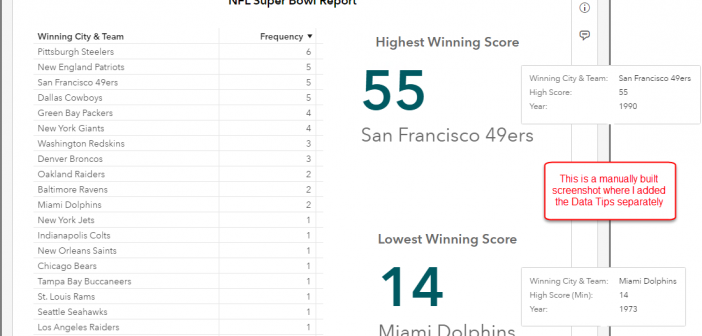
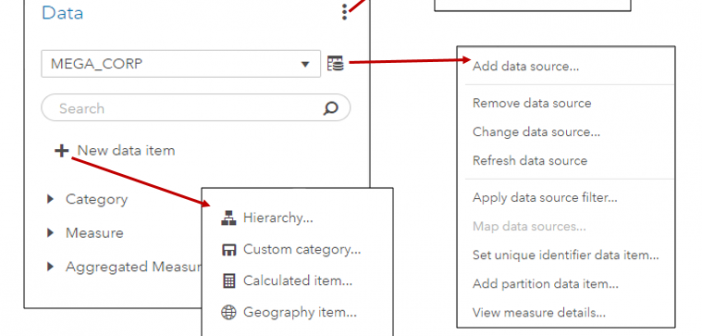
In SAS Visual Analytics 8.2 on Viya 3.3, there are a number of new data features available. I’ll cover a few of these new features including the new data plan and data item features in SAS Visual Analytics in this blog.
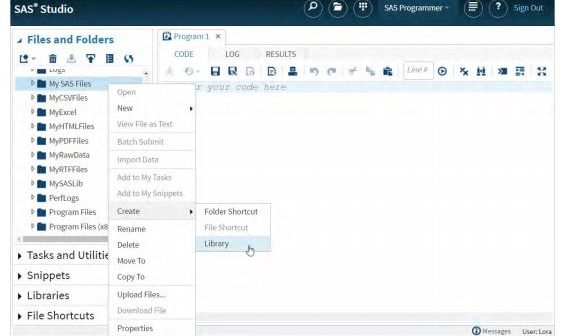
SAS Studio is the latest way you can access SAS. This newer interface allows users to reach SAS through a web browser, offering a number of unique ways that SAS can be optimized. At SAS Global Forum 2018, Lora Delwiche and Susan J Slaughter gave the presentation, “SAS Studio: A New Way to Program in SAS.” This post reviews the paper, offering you insights of how to enhance your SAS Studio programming performance.
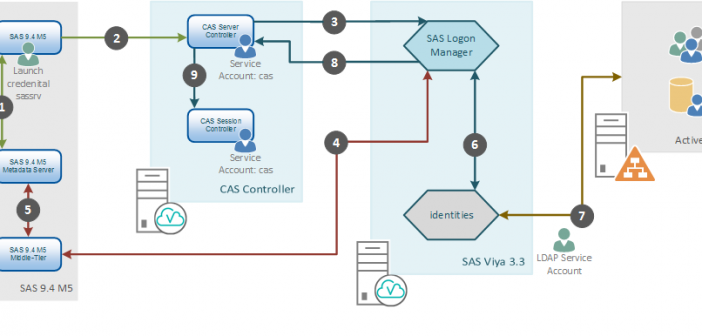
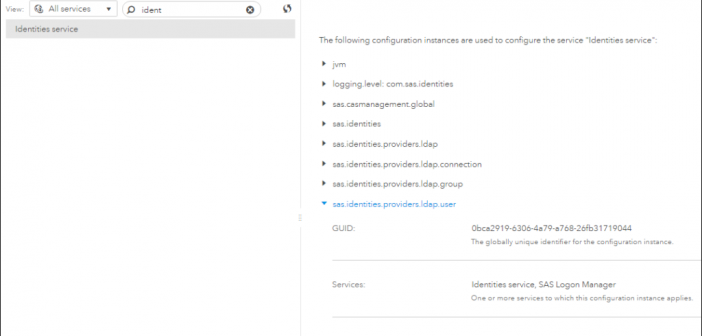
Often, in addition to content, an administrator will want to save configuration so that it can be reloaded or updated and applied to a different system. You have the ability to save and reload SAS Viya configuration using command-line interfaces. Learn more in this post.
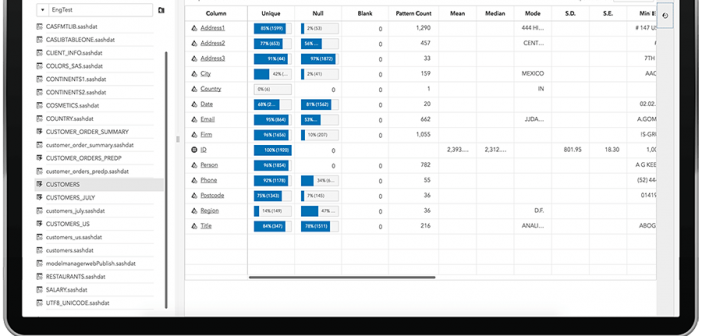
SAS Visual Analytics takes advantage of the performance and scalability of the SAS Viya platform, providing a BI framework that can work with massive amounts of data, bringing forward the powerful analytics that has made SAS the market leader in this space. Learn more about SAS Visual Analytics on the new SAS platform.
Logs. They can be an administrator’s best friend or a thorn in their side. Thankfully, the chances of that happening with your SAS Viya 3.3 deployment is greatly reduced due to the automatic log management in SAS Viya, which archives log files every day.
For software users and SAS administrators, the question of how to streamline their approach into the easiest to use system that most effectively completes the task at hand. At SAS Global Forum 2018, the topic of a “Big Red Button” for the SAS Platform was an idea that got audience members excited. Here's a review of that talk.
You will not find an object in SAS Visual Analytics named Dynamic Text. Instead, you will find a Text object that allows you to insert dynamically driven data items. By using the Text object’s dynamic capabilities you can build custom report titles, object titles, emphasize measures and even supply the last modified time of the data source in your SAS Visual Analytics Report. In this post, I will outline the ways how you can leverage Dynamic Text in a SAS Visual Analytics Report.
Interactive reports with SAS Visual Analytics allow you to access the interface and product instantly. Simply choose a report to navigate and explore in our SAS Visual Analytics 8.2 viewer. There are reports for warranty analysis, retail insights, water consumption and quality, banking and risk and network performance.
It is imperative for developers, whether hardware or software engineers, to foresee unintended (probable or improbable) system usages and implement features that will make their creations foolproof, that is protected from misuse. Learn more about developing foolproof solutions with this old Russian anecdote.