
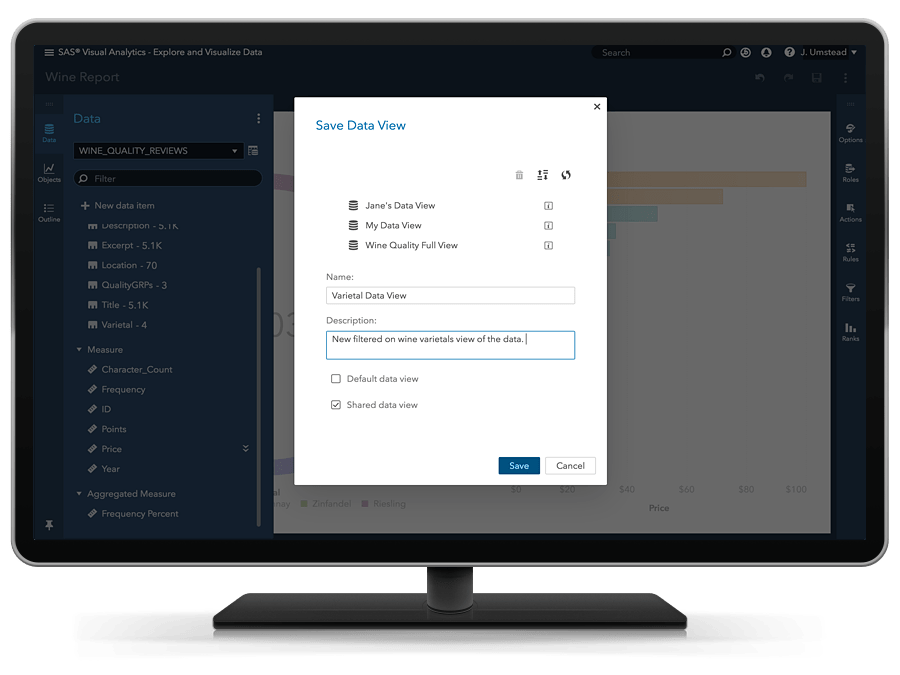
In SAS Visual Analytics 8.3, a Data View is a reusable and shareable template for a data source. That means that the data view is tied to the data source, and not to the report. Here's how to use them.
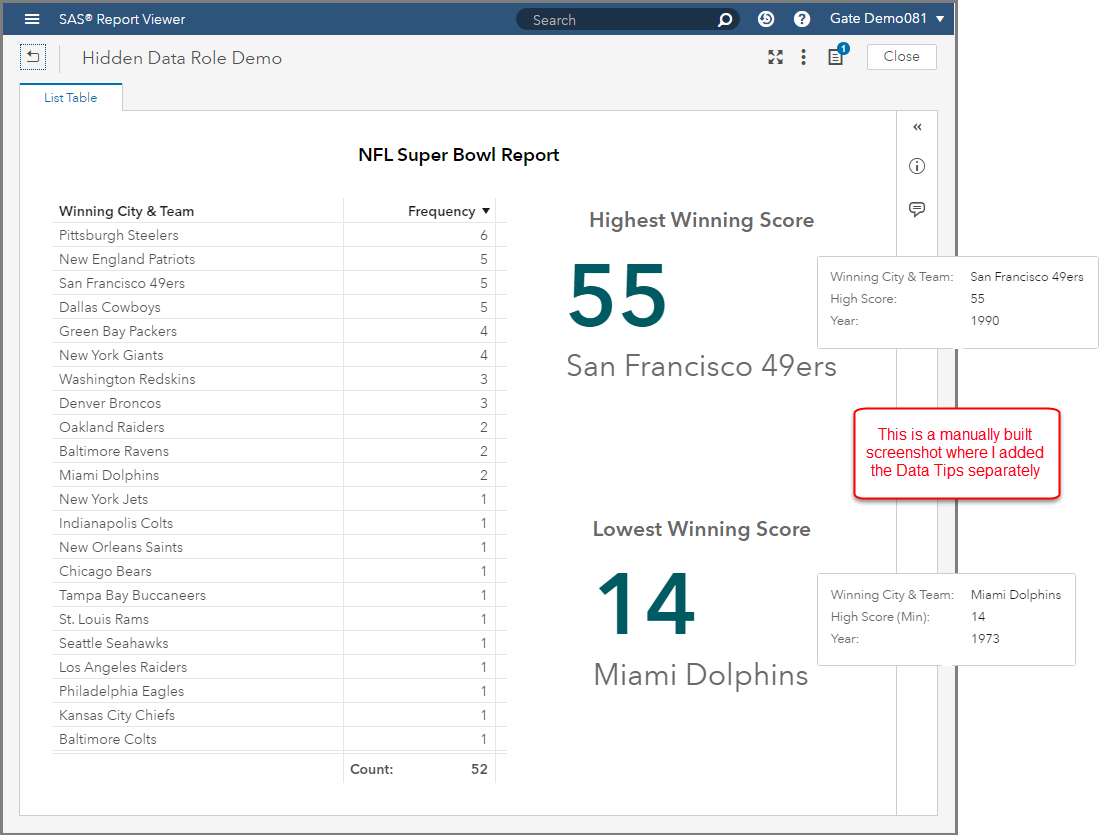
Introduced with Visual Analytics 8.2 is a new object named: Key Value. The intent of this object is call attention to an aggregated value for a measure, a category, or both. In this post you'll learn more about working with the Key Value Object in SAS Visual Analytics.
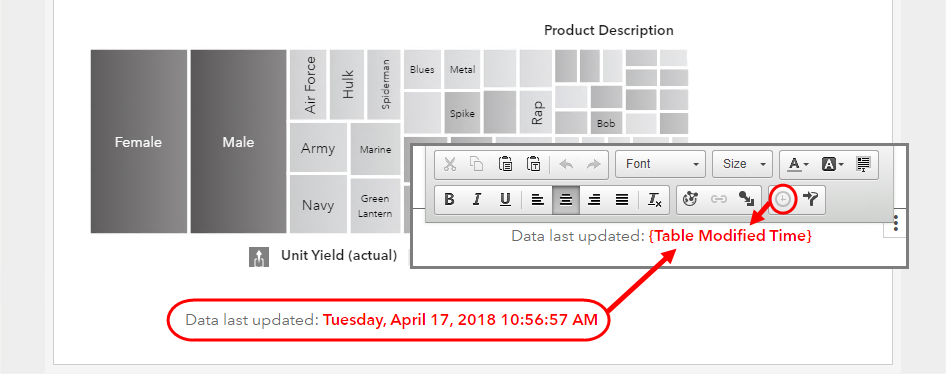
You will not find an object in SAS Visual Analytics named Dynamic Text. Instead, you will find a Text object that allows you to insert dynamically driven data items. By using the Text object’s dynamic capabilities you can build custom report titles, object titles, emphasize measures and even supply the last modified time of the data source in your SAS Visual Analytics Report. In this post, I will outline the ways how you can leverage Dynamic Text in a SAS Visual Analytics Report.