In the SAS User Groups LinkedIn group, some generous "old timers" offer tips to the potentially shy newcomers for connecting with other SAS professionals at SAS Global Forum. Perhaps these folks remember their own introverted natures, and they want to encourage attendees to get the most out of their conference
Author
Getting Started with SAS -- a free webinar for new SAS users -- is now available for on-demand viewing. During this SAS Talks session, Stacey Syphus and I review the basics of what SAS is, what people use it for, and what you can expect to see as a new
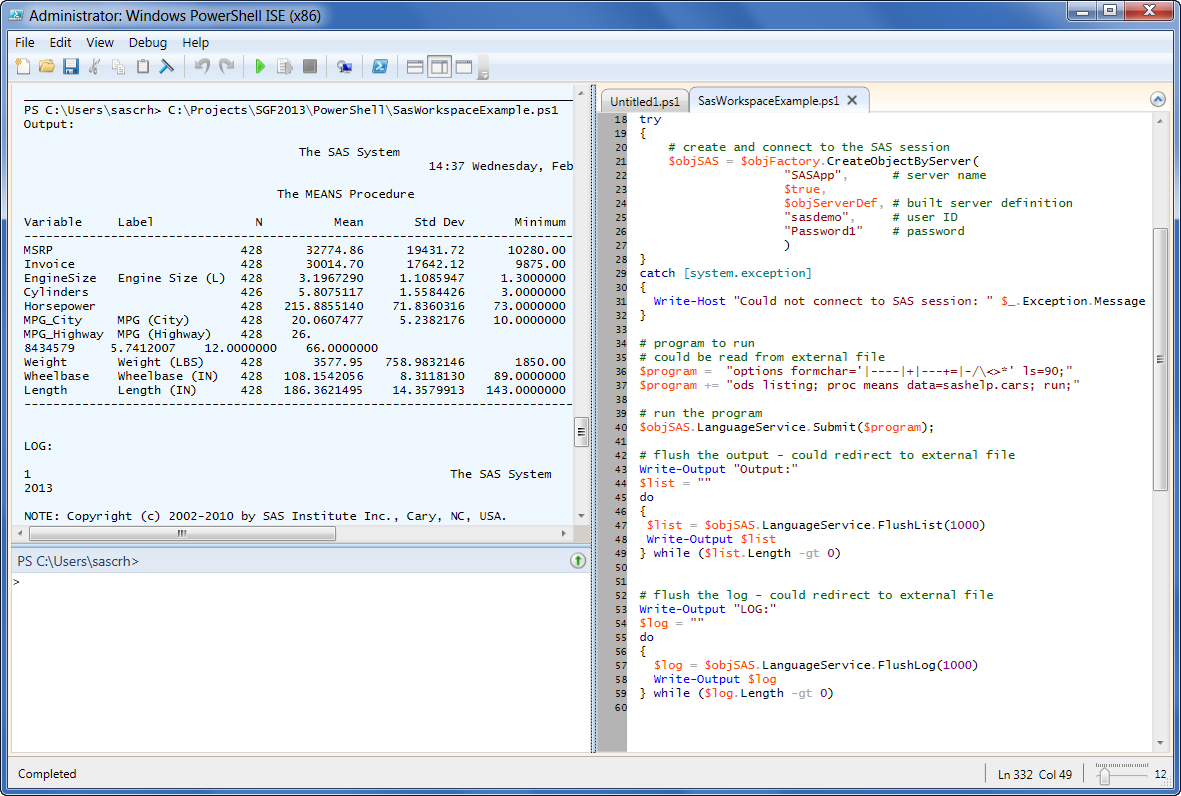
In a previous article, I described how to use Windows PowerShell to connect to a remote SAS Workspace, run a SAS program, and retrieve the results. In that example, the only results I retrieved were the SAS log and SAS listing (text) output, if any. When you run a SAS
Are you a new SAS user who isn't sure where to begin? Have no fear, because you're not alone. Here at SAS, we often receive questions from people who need help getting started with the software. Getting Started with SAS is the topic of a SAS Talks session that I
Revenge of the Nerds was so 1980s. Now it's a new world order: math geeks and athletes are working together. I'm not talking just about what happens when data nerds observe, analyze, and predict sports outcomes -- as they do in March Madness with their "bracketology". That's compelling, but your
Last week I delivered a SAS Talks session: Introduction to Custom Tasks for SAS Enterprise Guide (click to watch it). I promised that I would share a collection of resources where you can learn more information. First, here is a round-up of the custom tasks that I mentioned, with links
This post is another in my series about creating apps with SAS Integration Technologies, a topic that I'm preparing for SAS Global Forum 2013. In this article, I'll describe how to use Windows PowerShell to connect to a remote SAS Workspace, run a SAS program, and retrieve the results. This
Last year I shared this popular tip for counting how many times a web link has been shared on Twitter or Facebook. I use this technique daily to report on the social media "popularity" of our blog articles at SAS. I wanted to add LinkedIn into the mix. Like Twitter
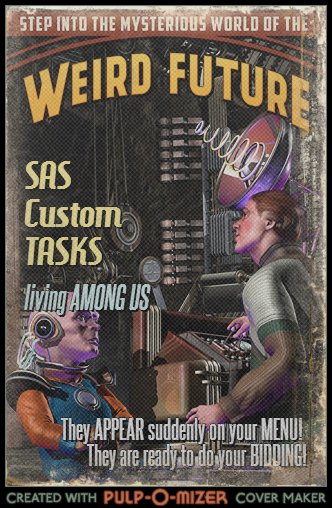
If you're using SAS Enterprise Guide and you're not using custom tasks, you're missing out! Custom tasks are new features you can plug in – features that weren't originally packaged with the software. (And contrary to the Pulp-O-Mizer poster that I created, they do not come FROM OUTER SPACE. Usually.)
In a previous post, I described how to write a Windows PowerShell script to connect to a SAS Metadata Server. In this post, I'll show an example of something useful that you can do after you've established that connection. Specifically, I'll show how to "ask" the SAS Metadata Server about