
Let's learn how to prompt for a date range in a SAS Visual Analytics report using control objects such as sliders, drop-down lists, and text input.
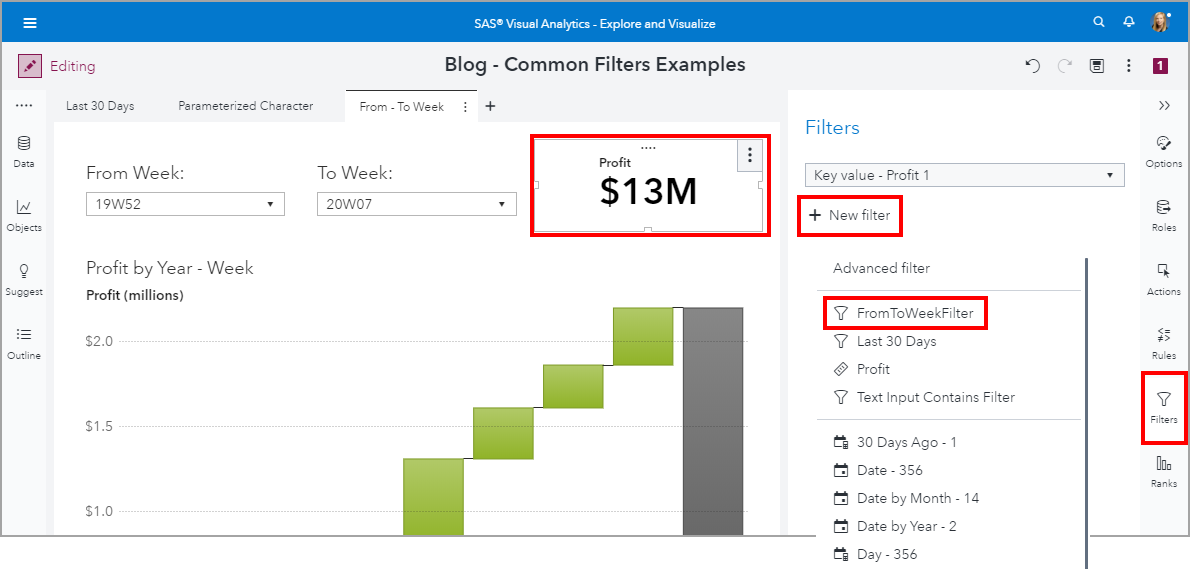
Common filters are filters that can be shared between objects in your reports. Common filter benefits include 1) Easy to assign the same filter conditions to other report objects, 2) When you edit a common filter, it is updated everywhere that the common filter is used, and 3) A common filter is available for the entire report, across pages.
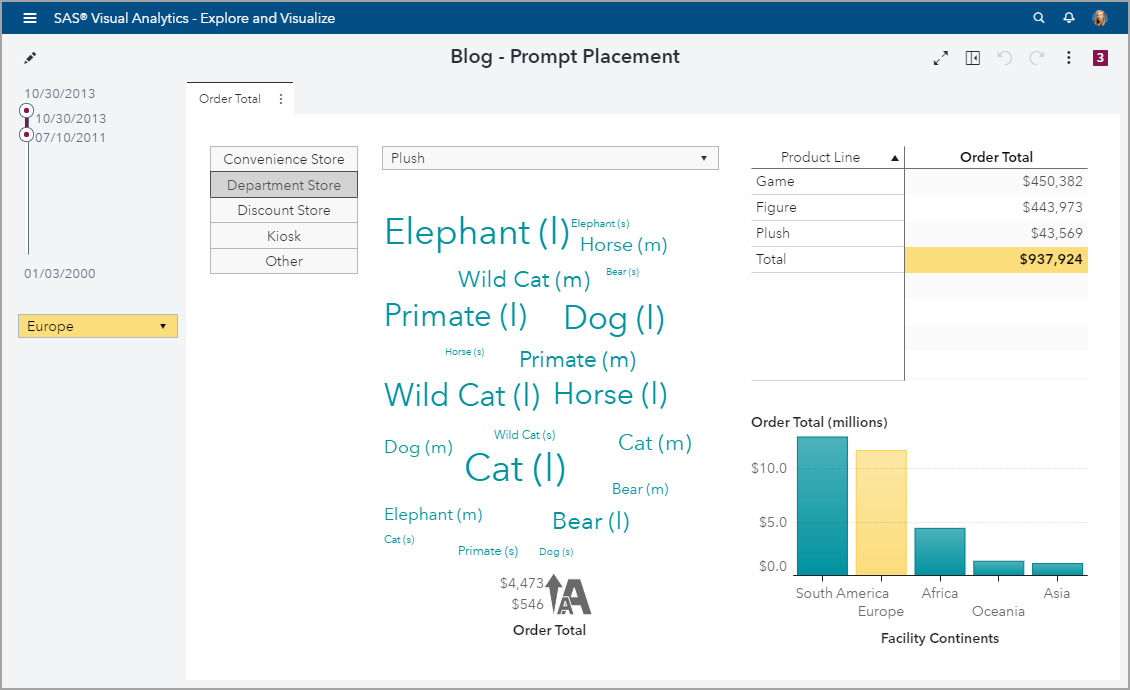
Introduced in the SAS Visual Analytics 8.4 release is the ability to control the layout position of these prompts. Using my example report, let’s change the placement of these prompts.