SAS EG 跳出錯誤訊息「ERROR: Some character data was lost during transcoding in the dataset INPUT.SAMPLEDATA. Either the data contains characters that are not representable in the new encoding or truncation occurred during transcoding.」

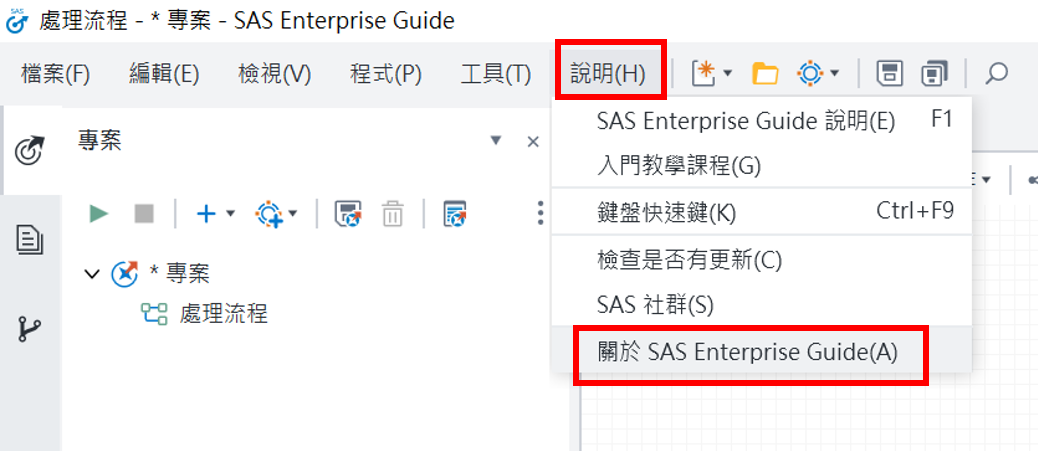
Q: 使用 SAS EG 進行查詢產生器時跳出錯誤訊息「ERROR: Some character data was lost during transcoding in the dataset INPUT.SAMPLEDATA. Either the data contains characters that are not representable in the new encoding or truncation occurred during transcoding.」 A: 主因是課程資料與您電腦SAS的電腦編碼不相同,請參考以下解法: 更改環境編碼 請先將 SAS相關程式先關閉 請將 C:Program FilesSASHomeSASFoundation9.4sasv9.cfg 檔案先備份到其他資料夾 (以避免檔案被改壞) 請用記事本開啟 C:Program FilesSASHomeSASFoundation9.4sasv9.cfg 檔案 將內容“-config "C:Program