About this blog
Rick Wicklin, PhD, is a senior researcher in computational statistics at SAS and is a principal developer of PROC IML and SAS/IML Studio. His areas of expertise include computational statistics, statistical graphics, statistical simulation, and modern methods in statistical data analysis. Rick is author of the books Statistical Programming with SAS/IML Software and Simulating Data with SAS.
Follow @RickWicklin on Twitter.
Subscribe to this blog
Tags
Bootstrap and Resampling Data Analysis Efficiency Getting Started History IMLPlus Just for Fun Matrix Computations Numerical Analysis Reading and Writing Data Sampling and Simulation SAS/IML Studio SAS Programming Statistical Graphics Statistical Programming Statistical Thinking Tips and Techniques vectorizationArchives
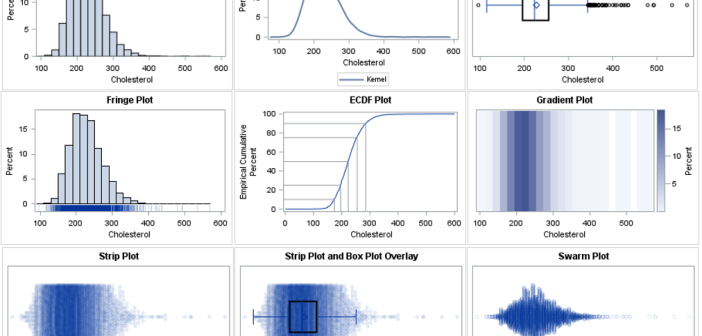
A three-panel visualization of a distribution
At a recent conference, I talked with a SAS customer who told me that he was using an R package to create a three-panel visualization of a distribution. Unfortunately, he couldn’t remember the name of the package, and he has not returned my e-mails, so the purpose of today’s article [...]
Post a Comment How to overlay a custom density curve on a histogram in SAS
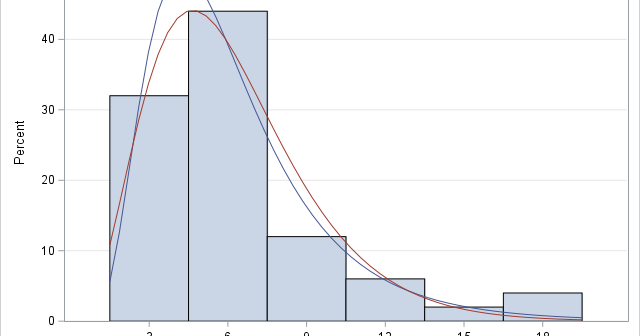
I’ve previously described how to overlay two or more density curves on a single plot. I’ve also written about how to use PROC SGPLOT to overlay custom curves on a graph. This article describes how to overlay a density curve on a histogram. For common distributions, you can overlay a [...]
Post a Comment How to overlay custom curves with PROC SGPLOT
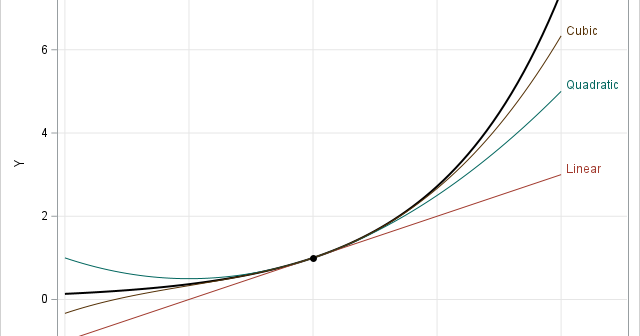
I recently showed someone a trick to create a graph, and he was extremely pleased to learn it. The trick is well known to many SAS users, but I hope that this article will introduce it to even more SAS users. At issue is how to use the SGPLOT procedure [...]
Post a Comment Changing the ODS style might change color ramp (and what to do about it)
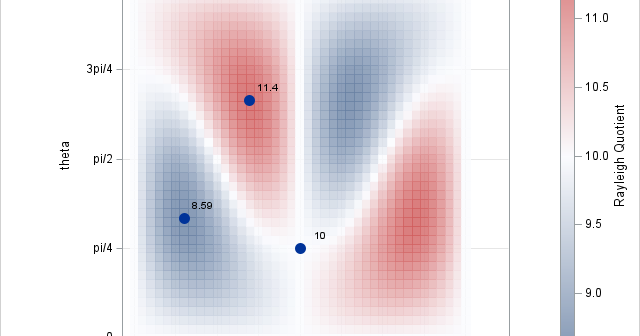
Did you know that your ODS style might result in changing the color ramp for contour plots and heat maps? For example, the default style in SAS 9.3 is HTMLBlue. Let’s create a contour plot in the HTML destination by running an example adapted from the documentation for the RSREG [...]
Post a Comment How to plot a discontinuous function
It is easy to use the SGPLOT procedure in SAS to plot the graph of a well-behaved continuous function: just create a data set of the (x,y) values on some domain and use the SERIES statement to connect the points. However, to plot the graph of a discontinuous function correctly [...]
Post a Comment How to use PROC SGPLOT to display the slope and intercept of a regression line
A SAS user asked an interesting question on the SAS/GRAPH and ODS Graphics Support Forum. The question is: Does PROC SGPLOT support a way to display the slope of the regression line that is computed by the REG statement? Recall that the REG statement in PROC SGPLOT fits and displays [...]
Post a Comment Create a bar chart with an "Others" category
When a categorical variable has dozens or hundreds of categories, it is often impractical and undesirable to create a bar chart that shows the counts for all categories. Two alternatives are popular: Display only the Top 10 or Top 20 categories. As I showed last week, to do this in [...]
Post a Comment Create a bar chart with only a few categories
Sometimes a categorical variable has many levels, but you are only interested in displaying the levels that occur most frequently. For example, if you are interested in the number of times that a song was purchased on iTunes during the past week, you probably don’t want a bar chart with [...]
Post a Comment Show percentages for bar charts with PROC SGPLOT
It seemed like an easy task. A SAS user asked me how to use the SGPLOT procedure to create a bar chart where the vertical axis shows percentages instead of counts. I assumed that there was some simple option that would change the scale of the vertical axis from counts [...]
Post a Comment Three ways to specify colors in SAS statistical graphics procedures
What’s in a name? As Shakespeare’s Juliet said, “That which we call a rose / By any other name would smell as sweet.” A similar statement holds true for the names of colors in SAS: “Rose” by any other name would look as red! SAS enables you to specify a [...]
Post a Comment